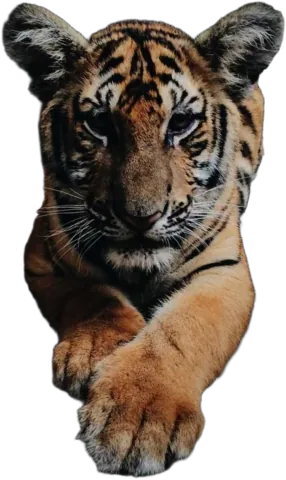
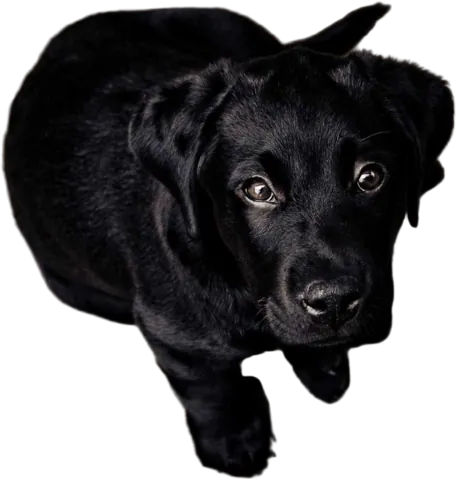
Stop your cut-outs floating
A product on a flat background can look like a sticker slapped on a page. A soft shadow underneath fixes it, and here it’s one slider.
Drop images here
or paste with Ctrl + V · up to 10 JPG, PNG or WebP images, 15 MB each
Upload images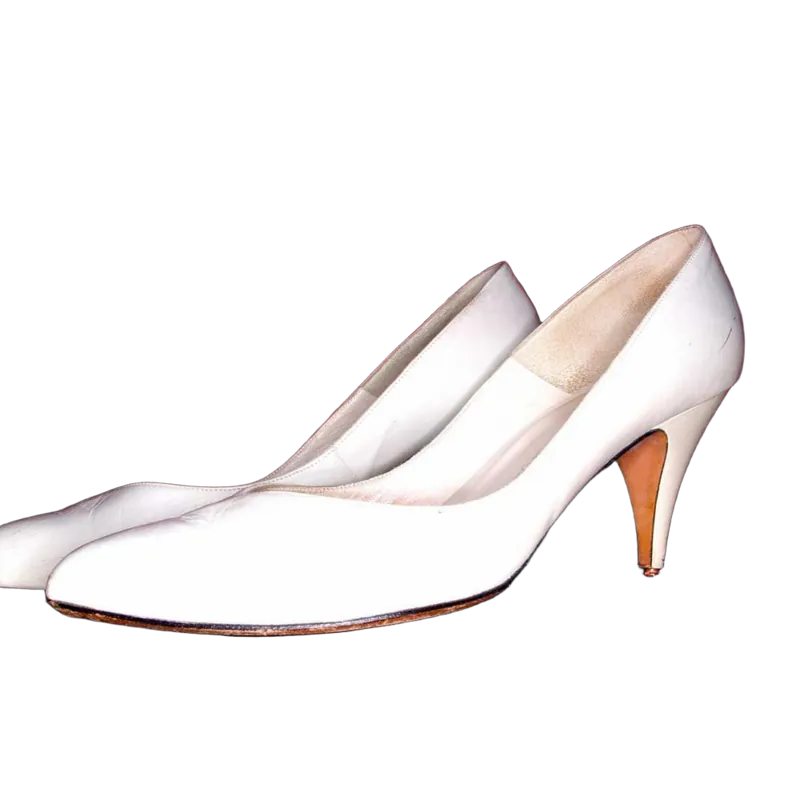 Shadow on
Why a shadow makes such a difference
Your brain uses shadows to figure out where things are. When an object has no shadow at all, it reads as “not really there”. That’s the uncanny, pasted-on look you get from a lot of cut-outs on plain colors.
Add even a faint shadow and the object suddenly has weight. It’s sitting on something. That’s why product photographers fight so hard to keep a little shadow on white backgrounds, and why removing the background without adding one back can make photos look cheaper.
How to add one
- 1
Upload your photo
The background is removed automatically.
- 2
Pick a background
White, a color, a photo, or keep it transparent.
- 3
Turn up the shadow
In the Background tab, open Blur and move the Shadow slider. Further right makes it darker and softer.
- 4
Download
As a PNG (the shadow stays semi-transparent) or a JPG.
Getting it right
- Less is more. If someone notices the shadow, it’s too strong. Aim for “I can’t say why, but it looks good”.
- Light backgrounds need it most. On white or pastel colors, a shadow is the difference between catalog and clip art.
- Skip it on busy photos. A scene with its own lighting and shadows usually doesn’t need another one.
How do I add a drop shadow to a cut-out?
Upload your photo, open the Background tab, then Blur, and move the Shadow slider. The shadow follows the exact outline of your subject and falls slightly below it.
Does the shadow work on a transparent background?
Yes. Download as PNG and the shadow is saved as semi-transparent pixels, so it still looks right on whatever you place the image on later.
Can I change the shadow’s direction or color?
Not at the moment. It’s a soft, neutral shadow that falls a little downward, which suits most products and portraits. The slider controls how strong and how soft it is.
Is a shadow allowed on marketplace photos?
Many stores use a soft shadow on white because it looks more natural. Marketplace rules differ by site and category, so check the current photo requirements of the one you sell on.
Give your product some ground to stand on
Upload a photo, pick a background and slide the shadow in. Free to preview.
Upload image