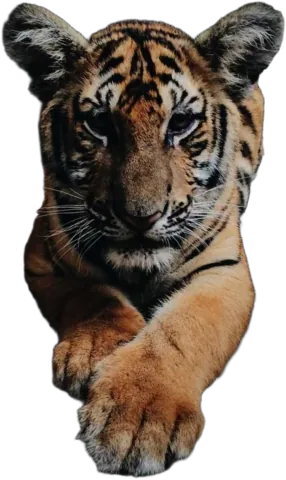
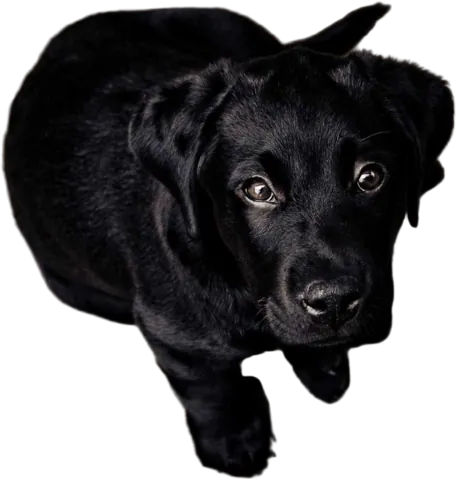
Put down the pen tool
Masking is the part of the job nobody became a designer for. Get a clean transparent PNG in seconds and spend the time on layout, type and color instead.
Drop images here
or paste with Ctrl + V · up to 10 JPG, PNG or WebP images, 15 MB each
Upload images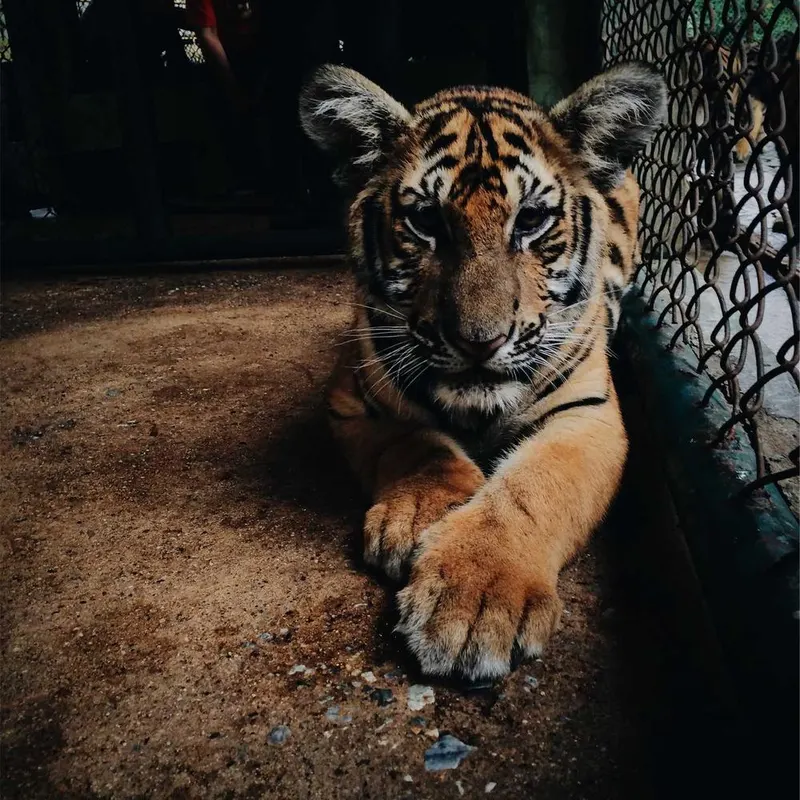
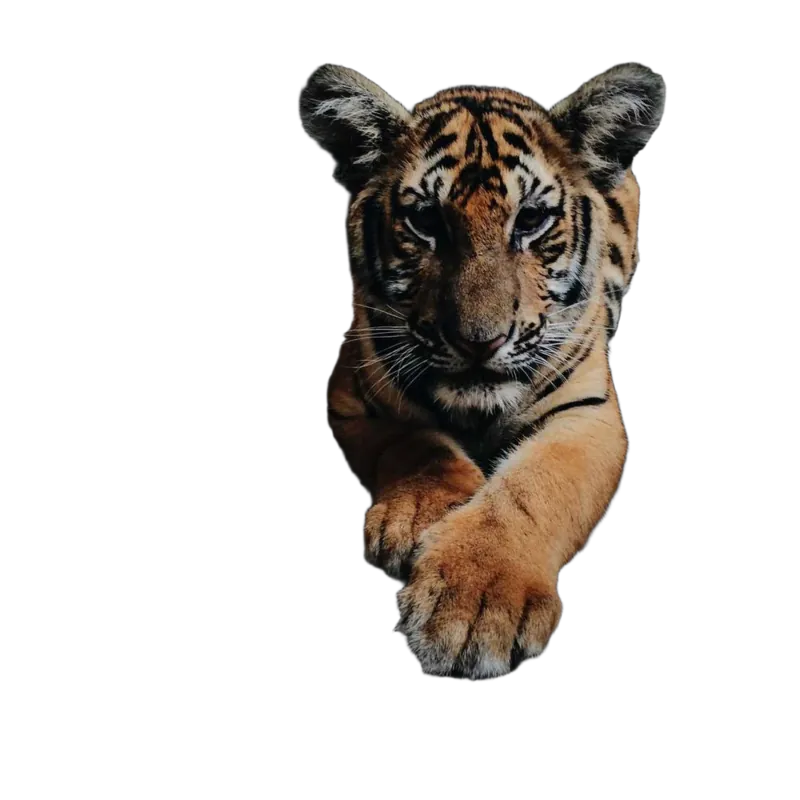
← drag to compare →
Built to slot into your workflow
You don’t need another design tool. You need a decent cut-out, fast, so you can get back to the one you already use. That’s the whole idea.
- Soft edges where they should be soft. Hair, fur and motion blur come out partly transparent, not chopped. No white halo when you put it on a dark background.
- Full resolution. The cut-out is the size of your upload, up to 4000 px. No surprise thumbnails.
- Standard PNG. Works in Figma, Canva, Photoshop, Illustrator, Affinity, Keynote, PowerPoint and Google Slides.
- Fixable. If the AI got an edge wrong, the Magic Brush fixes it right there, before you export.
Where designers use it
- 1
Mockups and pitches
Put the client’s product into a scene before the real shoot is even booked.
- 2
Social and ad templates
Swap the product or person in a template without re-masking every time.
- 3
Collages and editorial layouts
Layer cut-outs, overlap them with type, break the grid.
- 4
Presentations
People and products sitting on the slide, not trapped in rectangles.
Tip: when you place a cut-out on a new background in your design tool, add a subtle shadow and match the color temperature. That’s 90% of what makes a composite believable. You can also do both here, before you export.
Will the PNG work in Figma, Canva and Photoshop?
Yes. It’s a standard PNG with an alpha channel. Drop it into any of them and the transparent areas stay transparent.
Are the edges anti-aliased?
Yes. Edge pixels are partly transparent rather than hard on/off, so the cut-out blends into any background without a jagged outline or a halo.
What’s the maximum resolution?
4000 pixels on the longest side. Larger uploads are scaled down to that before processing.
Can I use the results in client projects?
Yes. As long as you have the rights to the photo, the cut-out is yours to use in any project, commercial or not.