Product photos that look studio-shot
You don’t need a lightbox or a photographer. Shoot the product on any table, drop the photo in, and get a clean white or transparent background that’s ready for your listing.
Drop images here
or paste with Ctrl + V · up to 10 JPG, PNG or WebP images, 15 MB each
Upload images
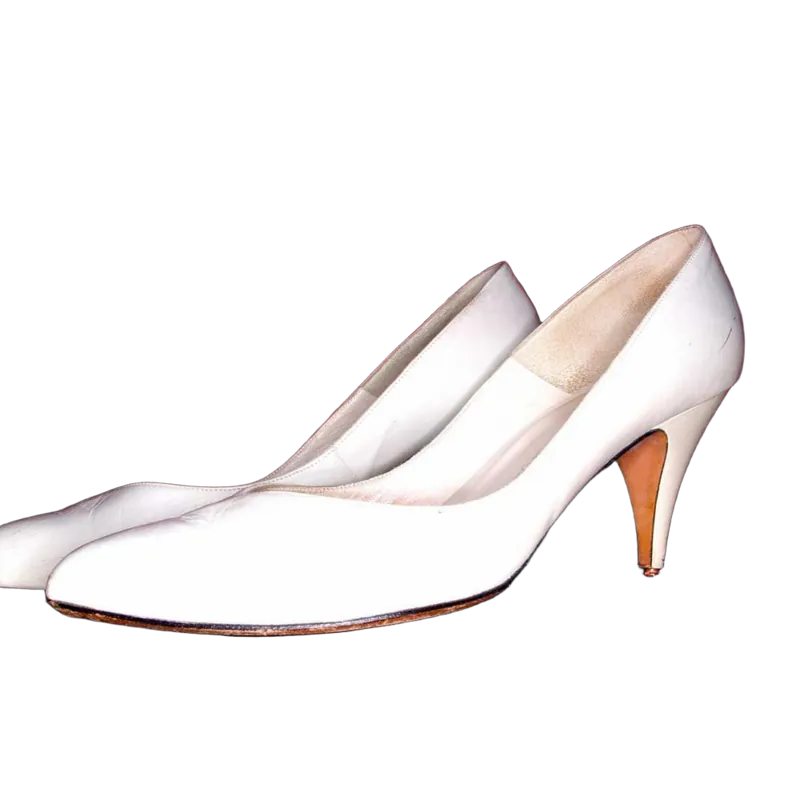
← drag to compare →
Why sellers use it
Marketplace-ready white
Pure #FFFFFF behind every product, not the grayish white of a real backdrop.
A store that looks consistent
Every product on the same background, so your collection pages look like a catalog.
Minutes, not days
No waiting for a retoucher. Upload today’s new stock and list it today.
From phone photo to listing
- 1
Shoot near a window
Soft daylight, no direct sun. Put the product on a plain surface and fill most of the frame with it.
- 2
Upload up to 10 photos
All your angles at once. The backgrounds are removed automatically.
- 3
Choose white, or your brand
White for marketplaces. A soft brand color or a lifestyle photo for your own store and ads.
- 4
Add a soft shadow
A light shadow keeps the product from looking like it floats.
- 5
Download and upload to your store
JPG for listings (smaller files), PNG when you need transparency.
One photo, every channel
The best part of a cut-out is that you only make it once. The same transparent product image goes on white for Amazon, on your brand yellow for the homepage banner, on a wooden table scene for Instagram and into next month’s newsletter. Want to see how? Start with white backgrounds and background swaps.
New to this? Our step-by-step guide on white background product photos covers the shooting side too.
Are the photos good enough for Amazon?
Amazon wants the main image on a pure white background, and that’s exactly what you get: #FFFFFF, edge to edge. Other rules, like how much of the frame the product fills, depend on your photo, so check the current requirements for your category.
What about Shopify, Etsy and eBay?
They don’t require white, but a consistent background across your listings makes a store look more trustworthy. Use white, a soft brand color or one of our photo scenes, and keep it the same across a collection.
Can I process my whole catalog?
You can upload 10 images at a time, as many times as you like. There’s no API yet. If you need one for thousands of products, contact us.
Does it work on shiny or see-through products?
Shiny products work well. Clear glass and plastic are harder, because you see the old background through them. They usually need a few strokes with the Magic Brush, or a darker backdrop when you shoot.
What size are the downloaded images?
The same as your upload, up to 4000 pixels on the longest side. That’s more than enough for zoom on every major marketplace.