
Most of the “white background” product photos you see online weren’t shot on a perfect white background. They were shot on something reasonably plain, and the background was replaced afterwards. That’s good news: it means the part that used to need expensive lighting is now the easy part. What still matters is the photo itself.
1. Set up next to a window
Daylight from a window is the best free light there is. Put a table right next to it and place the product so the light falls on it from the side. Avoid direct sunshine: it makes hard shadows and bright reflections. An overcast day or a window that doesn’t face the sun is perfect.
If one side of the product looks too dark, hold a piece of white card or paper on that side to bounce some light back. That’s all a “reflector” is.
2. Use a plain surface
A sheet of paper, a clean table, a bedsheet. It doesn’t have to be white, it just has to be plain, so the AI can easily tell the product from the background. One exception: for white or very light products, use something darker. Contrast is your friend.
3. Shoot it properly
- Fill the frame. The product should take up most of the photo. More pixels on the product means sharper edges in the cut-out.
- Hold the phone steady. Lean on something or use a cheap tripod. A blurry edge is a blurry cut-out.
- Keep the whole product in the shot. Anything cropped off stays cropped off.
- Shoot at the product’s height for most items, slightly above for things like shoes and bags. And use the same angles for every product in a range.
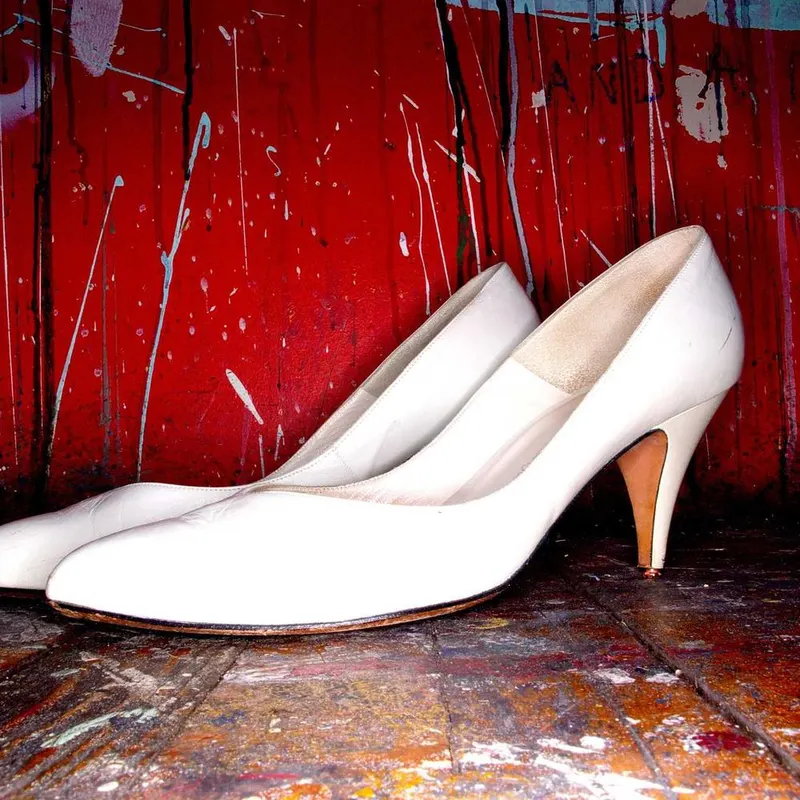
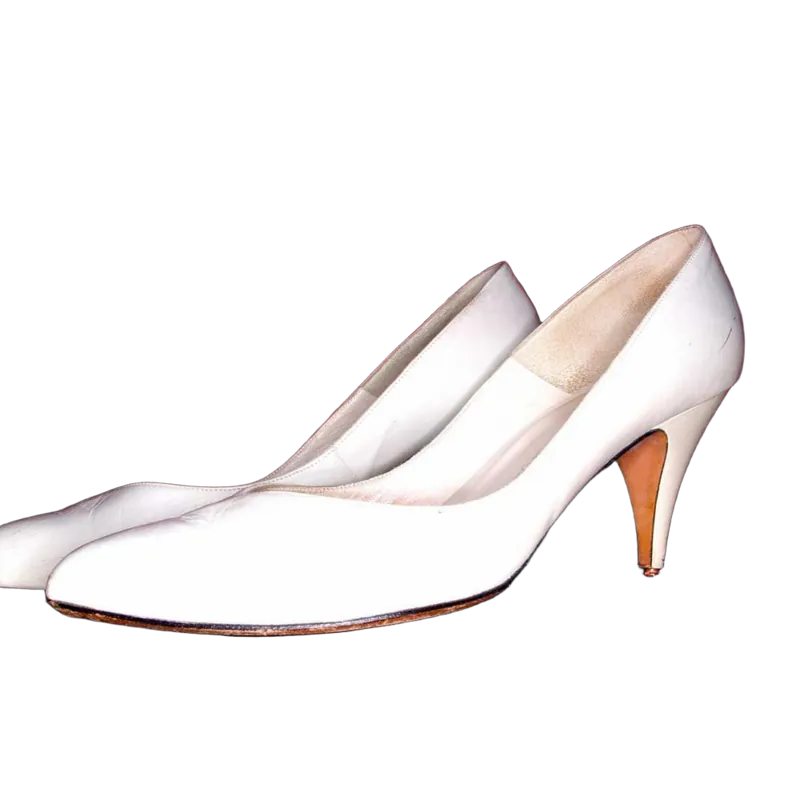
4. Remove the background and add white
- 1
Upload your photos
Up to 10 at once at background.ai. The backgrounds are removed automatically in a few seconds.
- 2
Check the edges
Use the compare button to flip between before and after. If a bit of table survived, the Magic Brush removes it.
- 3
Set the background to white
Background tab, Color, first swatch. That’s pure #FFFFFF.
- 4
Consider a soft shadow
Under Background, then Blur, the Shadow slider grounds the product so it doesn’t float. Keep it subtle.
5. Export the right file
For listings, download a JPG. It’s much smaller than a PNG, uploads faster and every marketplace accepts it. Download a PNG only if you want to keep editing or need transparency. (Not sure? Our PNG vs JPG guide explains the difference.)
Marketplace rules, briefly
Amazon is the strictest: the main image needs a pure white background, and the product should fill most of the frame. Other marketplaces like eBay, Etsy and Shopify themes are more relaxed but look best with consistent backgrounds. Rules change from time to time and differ by category, so check the current photo requirements of the marketplace you sell on before you upload a whole catalog.
Doing this for a whole store? Read how online stores use Background.ai, or jump straight to the white background tool.