
People scroll through dozens of listings before they click one. The cars that get clicked aren’t always the cheapest. They’re often the ones that look cared for, and the photo is the first sign of that. A car on a clean background, shot from a good angle, looks like it’s from a dealer that has its act together.
1. Shoot the right angles
- 1
Front three-quarter
The hero shot. Stand at the front corner so you see the front and one side. Turn the wheels slightly so the rim faces you.
- 2
Side profile
Straight on, whole car in frame, camera at the middle of the doors.
- 3
Rear three-quarter
Same as the front shot, from the back corner.
- 4
Front and rear
Straight on, centered.
- 5
Interior and details
Dashboard, seats, trunk, wheels, and any wear. These keep their real background.
2. Get the light right
Bright overcast days are ideal: soft light, no harsh reflections on the paint. On sunny days, shoot early or late and keep the sun behind you. Avoid parking under trees, which throw blotchy shadows that stay on the car even after the background is gone.
3. Keep it consistent
Same height (around headlight level), same distance, same angles, same order, for every car. When your whole inventory follows the same pattern, your listings page looks like a catalog, and buyers can compare cars at a glance.
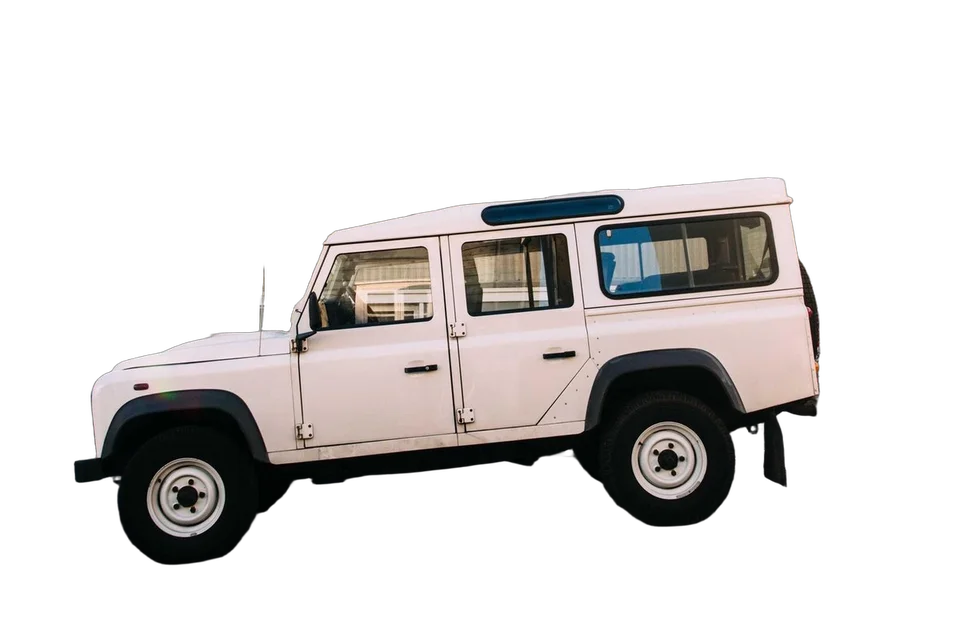 Light gray backdrop
4. Replace the background
Upload the exterior shots to Background.ai, up to 10 at a time. The lot is removed automatically. Then:
- Pick a light, neutral color or a gradient. They suit any car and never look fake.
- Or upload a photo of your own showroom or a branded backdrop and use it for every car.
- Turn up the shadow slightly so the car sits on the ground instead of floating.
- Check the windows: what’s visible through the glass stays. If the building behind shows through, erase it with the brush.
Download JPGs for your listing portals. They’re smaller and upload faster.
Running a dealership? See how dealers use Background.ai for their whole inventory.