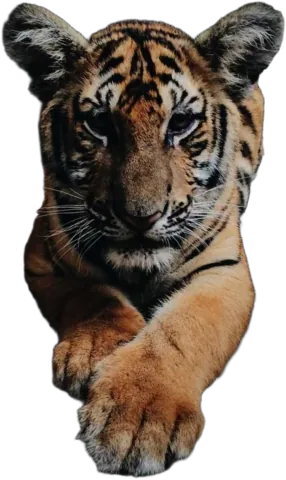
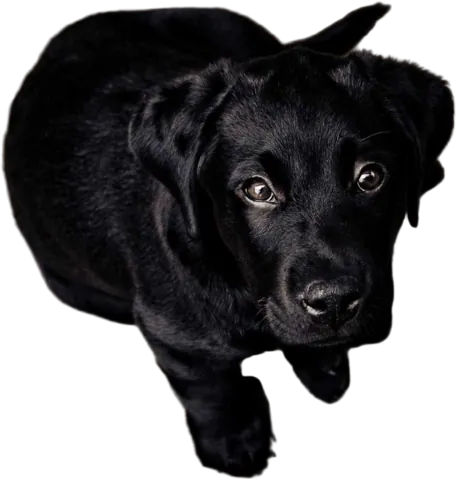
Make any background transparent
Upload a photo, and a few seconds later you have a PNG where only your subject is left. No selections, no pen tool, and the hair stays on the head.
Drop images here
or paste with Ctrl + V · up to 10 JPG, PNG or WebP images, 15 MB each
Upload images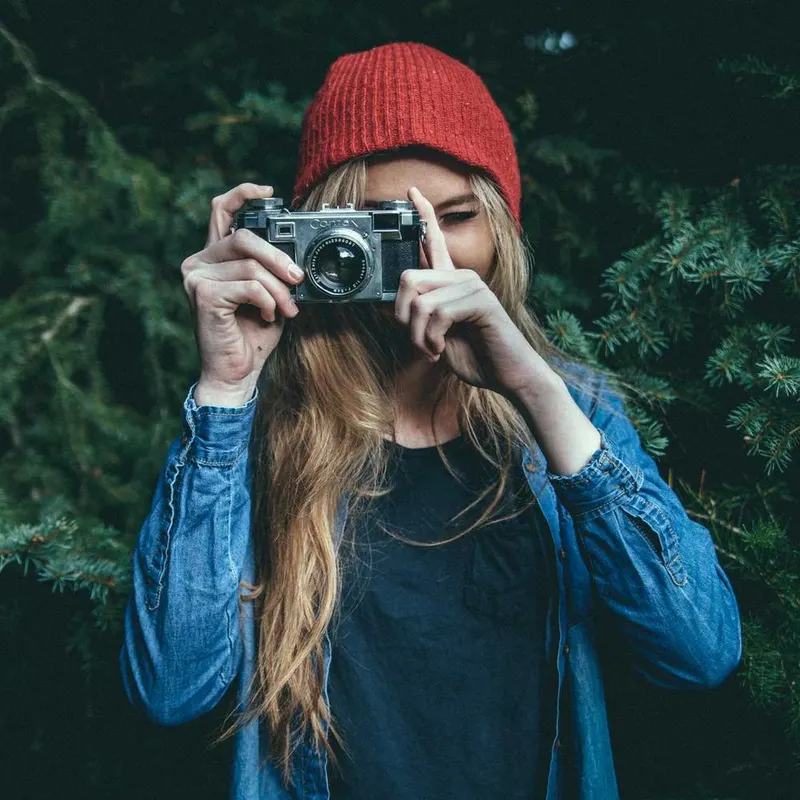

← drag to compare →
What “transparent” actually means
Every pixel in a PNG can carry a little extra number that says how see-through it is. Fully opaque, fully invisible, or anything in between. A transparent background just means every pixel that isn’t your subject is set to invisible.
The “in between” part matters more than people think. Hair, fur, the fuzzy edge of a sweater or an out-of-focus shoulder aren’t hard lines. A good cut-out leaves those pixels half-transparent, so when you drop the image onto a new color it blends in instead of looking like it was cut out with scissors. That’s what our model does, and it’s why the checkerboard you see behind the result looks a little soft around the edges.
How to do it
- 1
Upload your image
JPG, PNG or WebP, up to 15 MB. Drag it in, pick it, or paste it with Ctrl+V.
- 2
Wait a few seconds
The AI separates the subject from everything else. You’ll see the result on a checkerboard, which is how editors show transparency.
- 3
Touch up if you need to
Most photos need nothing. If a bit of background survived, the Magic Brush in the Cutout tab takes it off.
- 4
Download the PNG
Keep the background on Transparent and download. It’s full resolution, ready for any design tool.
Where people use transparent PNGs
- Product listings and catalogs. One cut-out, every layout: white for the marketplace, a brand color for the website, a lifestyle photo for ads.
- Slides and documents. A person or product sitting right on the slide looks a lot better than a rectangle with a gray room in it.
- Thumbnails and social posts. The “face next to big text” look is a cut-out on a colored background.
- Stickers, mugs and print-on-demand. Printers need to know where the design ends. Transparency tells them.
- Design work. Drop the PNG into Figma, Canva, Photoshop or Keynote and start designing, not masking.
Downloaded a “transparent” image and it came out with a white background? It was probably saved as a JPG somewhere along the way. Our PNG vs JPG guide explains why and how to avoid it.
How do I make the background of a photo transparent?
Upload the photo to Background.ai. The AI finds the subject and removes everything else in a few seconds. Leave the background set to Transparent and download the PNG.
Why PNG and not JPG?
JPG can’t store transparency. Any see-through area turns into a solid color, usually white. PNG keeps the transparent pixels, including the half-transparent ones around hair and soft edges.
Will the transparent PNG have the same resolution as my photo?
Yes, the same size as your upload, up to 4000 pixels on the longest side.
Does it work with hair, fur and glass?
Hair and fur come out well, because the model keeps soft edges partly transparent instead of cutting them with a hard line. Clear glass is harder: it takes on the background it was photographed against, so expect to touch it up.
Can I use the PNG in Canva, Figma or PowerPoint?
Yes. All of them read transparent PNGs. Drop the file in and it sits on top of whatever is behind it.
Then do something with it
Make your first transparent PNG
Upload a photo and see the result in a few seconds. The preview is free.
Upload image