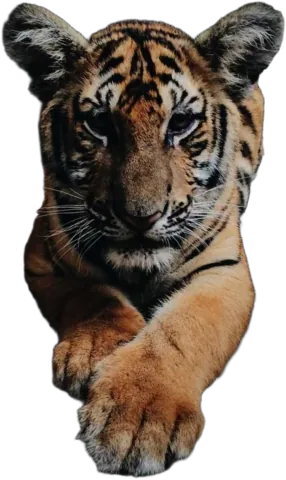
Learn how to get great cut-outs
Practical guides for the photos people make most often, and a look at how different kinds of people put Background.ai to work.
How-to guides
From taking the photo to downloading the right file.
White background product photos
Shoot on your kitchen table, end up with a marketplace-ready photo on pure white.
A professional headshot from a selfie
How to take the photo, cut it out and pick a background that works on LinkedIn.
Cut yourself out for a YouTube thumbnail
The face-and-text thumbnail everybody uses, made from one photo.
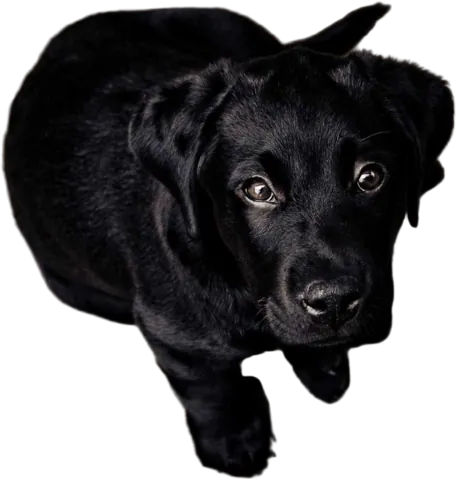
Remove the background from a pet photo
Keep the fur and the whiskers, lose the sofa.
Car photos for online listings
Shoot the car right, then clean up the lot behind it.
Transparent PNG vs JPG
Which format to download, and why your transparent background turned white.
Use cases
Who uses Background.ai, and what for.
Photographers
Cut-outs for composites, headshots and client edits, without an evening on the pen tool.
Online stores
White or transparent product photos for Amazon, Shopify, Etsy and eBay.
Marketing teams
Ads, banners and email headers from photos you already have.
Car dealers
Lot photos that look like they were shot in a showroom.
Designers
A clean PNG you can drop into Figma, Canva or Photoshop and get on with the design.
Content creators
Thumbnails, stickers and story graphics with you (or your dog) up front.
Features
The tools the guides use.
Magic Brush
Fix an edge in a few strokes. It only touches pixels that match the color you start on.
Transparent background
Turn any photo into a PNG with a see-through background.
White background
Put products and portraits on pure white, the way marketplaces want them.
Change background
Swap the background for a color, a gradient, one of our photos or your own.
Blur background
Keep the subject sharp and soften everything behind it, like a portrait lens.
Drop shadow
A soft shadow under your cut-out, so it sits on the background instead of floating.
Multiple images
Upload up to 10 photos at once and edit them side by side.