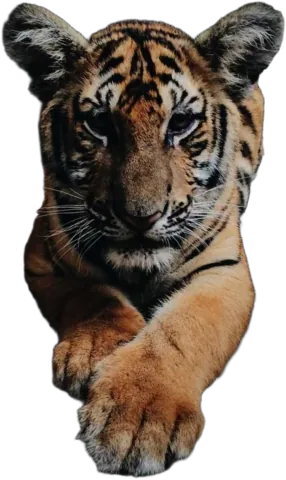
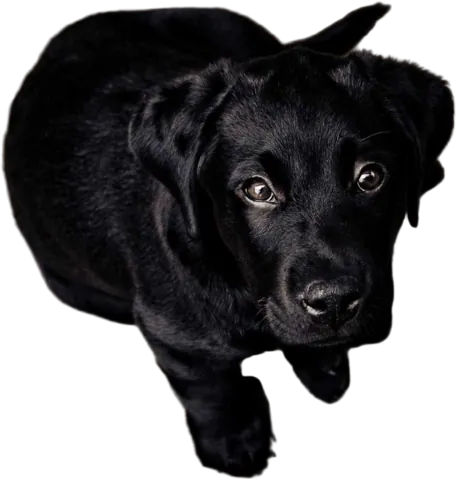
Thumbnails that pop
Bold color, big text, you in front. That thumbnail style starts with a clean cut-out, and here it takes a few seconds, right on your phone if you want.
Drop images here
or paste with Ctrl + V · up to 10 JPG, PNG or WebP images, 15 MB each
Upload images
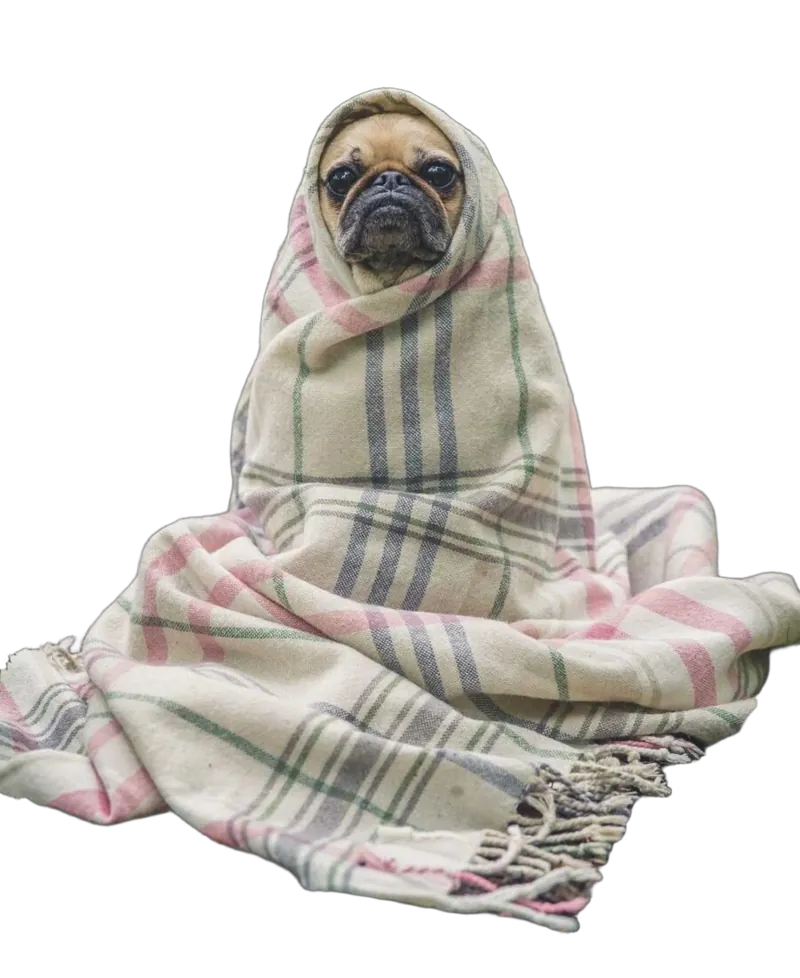
← drag to compare →
What creators make with it
YouTube thumbnails
Your face, a big reaction and a solid color. The click-magnet formula.
Stickers
Transparent PNGs of you, your pet or your product for chats and overlays.
Story and Reels covers
A consistent cover style for every post, so your grid looks planned.
Profile pictures
Your photo on your channel color. Recognizable at tiny sizes.
Merch mockups
Your logo or mascot on shirts and mugs, without a design degree.
Pet accounts
Fur stays fur. Your dog on the moon, if that’s the content.
The thumbnail recipe
- 1
Take a photo with a clear expression
Good light on your face, plain-ish background, and exaggerate a little. Thumbnails are tiny.
- 2
Cut yourself out
Upload it here. The background is gone in a few seconds, hair included.
- 3
Pick a loud background
A saturated color or gradient makes you stand out against the white YouTube feed.
- 4
Download a PNG
Then add your text and arrows in your usual thumbnail editor.
The full walkthrough, with sizes and text tips, is in our YouTube thumbnail guide.
Can I make a YouTube thumbnail with this?
Yes, it’s one of the most common uses. Cut yourself out, put yourself on a bold color or a scene, then add the text in your thumbnail editor. Our YouTube thumbnail guide walks through it.
Does it work on my phone?
Yes. It runs in your phone’s browser, nothing to install. Pick a photo from your camera roll and save the result when you’re done.
Can I use it on screenshots or video frames?
Yes, as long as it’s an image (JPG, PNG or WebP). A sharp frame works best. Motion blur makes edges softer.
Can I make stickers?
Yes. Download a transparent PNG, and most sticker makers and messaging apps will take it as is.