A clean white background, in one click
Shot your product on the kitchen table? Fine. Upload it, click white, and you get the bright, even studio look that marketplaces ask for.
Drop images here
or paste with Ctrl + V · up to 10 JPG, PNG or WebP images, 15 MB each
Upload images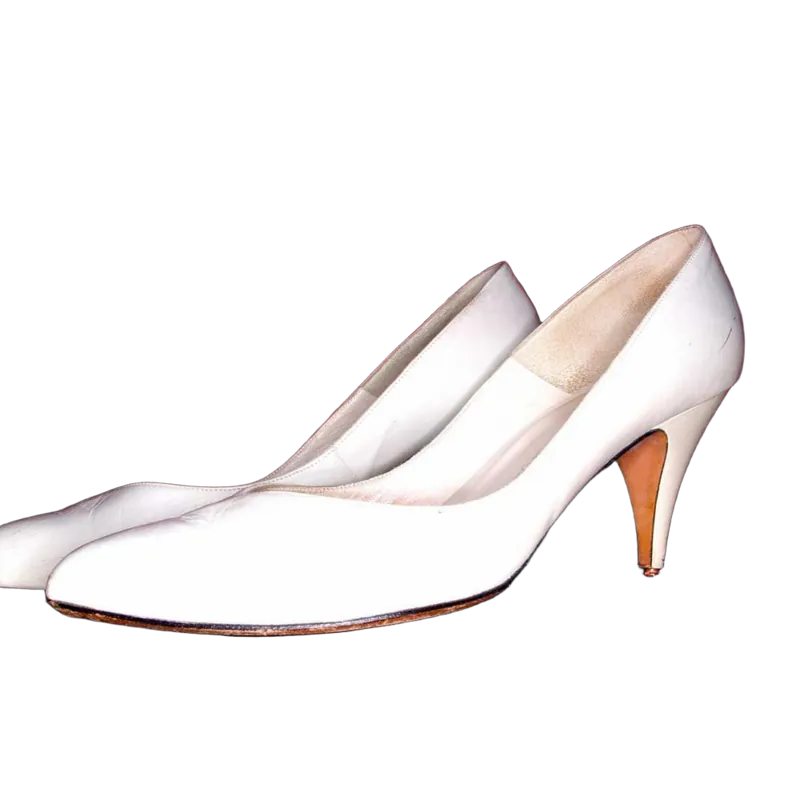 Pure white #FFFFFF
Why everyone wants white
White backgrounds aren’t exciting, and that’s the point. Nothing competes with the product, every photo in your store looks like it belongs to the same store, and the shopper’s eye goes straight to the thing you’re selling.
The hard part was never the white. It was getting it. A real white backdrop needs good lighting, or it photographs as a dull gray with shadows in the corners. Then you spend time in an editor pushing the levels around. Removing the background and filling it with true white skips all of that.
How to do it
- 1
Upload your photos
Up to 10 at a time, JPG, PNG or WebP. The backgrounds come off automatically.
- 2
Open the Background tab and pick Color
White is the first swatch. Click it and the background turns pure white.
- 3
Add a shadow if it looks like it’s floating
A product on flat white can look pasted on. A soft shadow (Background tab, then Blur) grounds it.
- 4
Download as JPG or PNG
Full resolution, ready to upload to your store.

Tips for product photos on white
- Shoot in soft daylight. Near a window, out of direct sun. Harsh light makes hard reflections that look odd once the background is gone.
- Fill the frame. The bigger the product is in the photo, the more detail there is in the edges. You can always add space around it later.
- Watch white products. A white shoe on a white table is tough for any AI. Shoot white things on something darker and they cut out much cleaner.
- Keep it consistent. Same angle, same distance, same white. Your category page will look like a catalog instead of a garage sale.
We wrote a full walkthrough for sellers: how to get white background product photos.
How do I put a photo on a white background?
Upload it, open the Background tab, choose Color and click white. The background is replaced with pure white (#FFFFFF) and you can download the result as a JPG or PNG.
Is the white really pure white?
Yes. It’s #FFFFFF, or 255, 255, 255 in RGB, edge to edge. Not the slightly gray white you get from a photo of a white wall.
Does this meet Amazon’s main image rules?
Amazon asks for a pure white background on the main image, and that part we handle. The other rules, like how much of the frame the product fills and what may appear in the photo, depend on your photo, so check the current requirements for your category.
Should I download a JPG or a PNG?
Either works on white. JPG files are smaller, which most marketplaces and websites prefer. PNG is lossless if you plan to edit the image further.
Can I use an off-white or a brand color instead?
Yes. Next to the preset colors there’s a color picker for any color you like, and a set of gradients.