Features
Everything in the editor
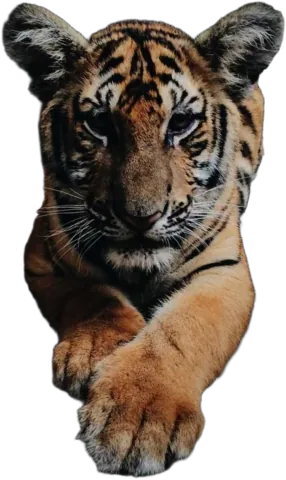
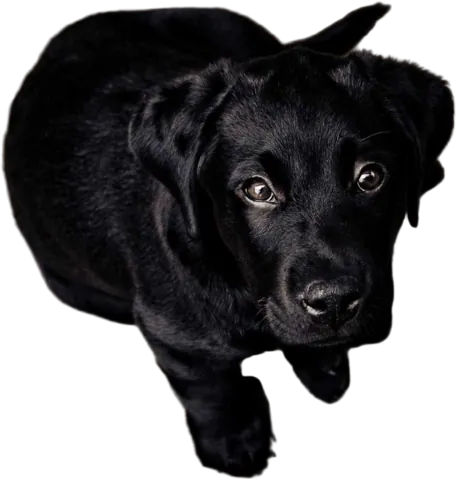
The background comes off automatically. These are the tools for everything after that, all in the browser, all free to try.
Magic Brush
Fix an edge in a few strokes. It only touches pixels that match the color you start on.
Transparent background
Turn any photo into a PNG with a see-through background.
White background
Put products and portraits on pure white, the way marketplaces want them.
Change background
Swap the background for a color, a gradient, one of our photos or your own.
Blur background
Keep the subject sharp and soften everything behind it, like a portrait lens.
Drop shadow
A soft shadow under your cut-out, so it sits on the background instead of floating.
Multiple images
Upload up to 10 photos at once and edit them side by side.
Also in the editor
- Brightness, contrast and saturation sliders, to match your subject to its new background.
- A compare button that flips between your original and the result.
- Undo and redo for every image separately (Ctrl+Z, Ctrl+Shift+Z).
- Paste images straight in with Ctrl+V.
- Your edits are kept in your browser if you close the tab.
Files and limits
| Upload | JPG, PNG, WebP, up to 15 MB |
|---|---|
| At once | Up to 10 images |
| Resolution | Up to 4000 px on the longest side |
| Download | Transparent PNG, or PNG and JPG with a new background |
| Storage | Deleted 24 hours after upload |
Try every feature for free
Upload a photo. Removing the background, previewing and editing cost nothing.
Upload image