
The difference in one table
| PNG | JPG | |
|---|---|---|
| Transparency | Yes, including soft, half-transparent edges | No. Transparent areas become a solid color |
| Quality | Lossless, every pixel kept | Lossy, small details are simplified |
| File size for a photo | Large | Small, often several times smaller |
| Best for | Cut-outs, logos, layering in a design | Finished photos for websites, listings and email |
When you need a PNG
Whenever the image is going to sit on top of something else and you don’t know (or don’t care) what that is yet. A product you’ll place on different backgrounds. A cut-out of yourself for a thumbnail you’ll build in Canva. A logo for slides. A design for a sticker or a T-shirt.
PNG also keeps the subtle part of a good cut-out: the half-transparent pixels in hair and fur that let the edge blend into any background.
When a JPG is better
When the image is finished and has a solid background. A product on white for your store, a headshot on a gray gradient, a car on a showroom backdrop. There’s nothing transparent left to keep, so a JPG gives you the same look at a fraction of the file size, which makes pages load faster.
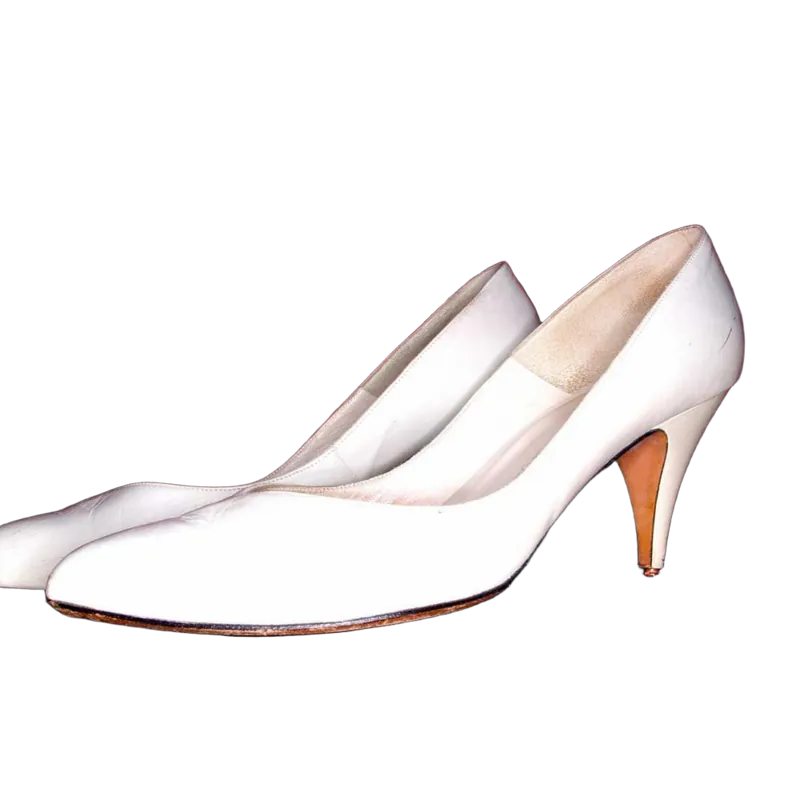 Transparent PNG
“My transparent background turned white!”
This is the most common problem, and it’s almost always one of these:
- It was saved as a JPG. Some apps convert images when you share or re-save them. JPG has no way to store transparency, so it fills it in, usually with white.
- The preview app shows transparency as white. Many photo viewers and messaging apps do this. The file is fine. Open it in a design tool and you’ll see.
- A screenshot was taken. Screenshots capture what’s on screen, including the white behind the image.
What Background.ai gives you
The download menu lets you pick PNG or JPG. Keep the background transparent and choose PNG, and the transparency is kept, soft edges included. Choose JPG and anything still transparent is flattened onto white, so you never get a surprise black background. Already put your cut-out on a color, gradient or photo? Then JPG is usually the better pick.